
Your scheduling on autopilot. Easy as.
Booking in the member app, templates, batch edits, waitlists, 1:1 sessions, your own cancellation rules, an AI agent that can run it for you, and a booking page that lives on your website — not someone else's portal.
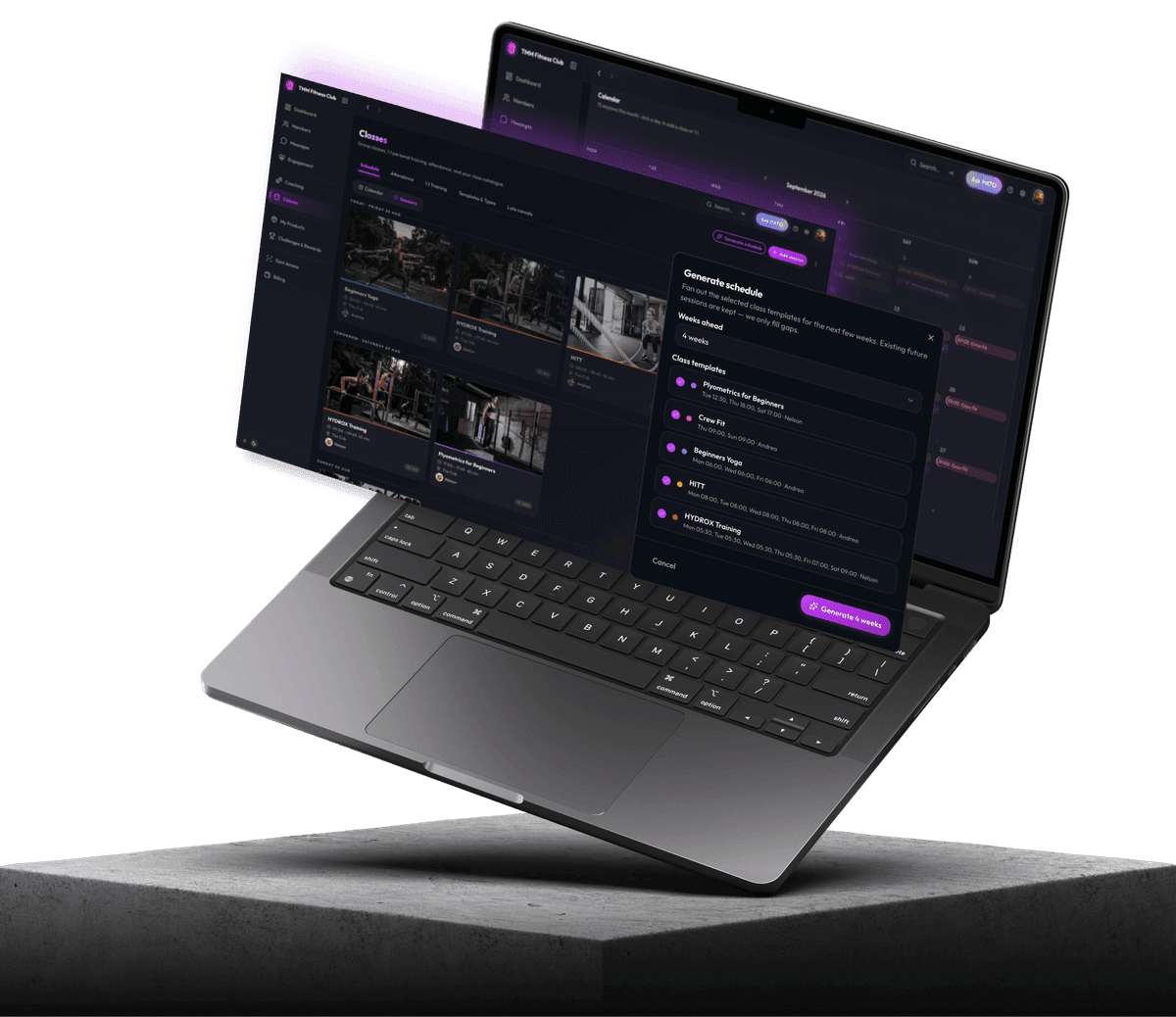
Build it once, reuse it forever
Timetabling is the job that eats an afternoon and never stays done. A public holiday lands, an instructor calls in sick, daylight saving shifts — and someone’s editing sessions one at a time.
Class types and templates
Define your classes once — name, duration, capacity, instructor, location — then build from them instead of starting fresh each week.
Fill the week automatically
Tell PATO which class types you run and it lays out the week for you. Edit what you want; keep the rest.
Change a hundred sessions at once
Select the range, make the change, done. Batch edit and batch cancel work on any set of sessions, so a week of them costs the same as one.
Your cancellation policy, your rules
Most systems give you one setting. You get three decisions.
Set the window
How many hours before a class members can cancel freely.
Choose what happens inside it
Block— they can’t cancel online and have to contact you. Charge— they can cancel, but it’s recorded as a late cancellation you may bill for. Free — recorded, but nothing happens.
Write the message yourself
What a member sees when they hit the window is your wording, not a system error. That sentence does more for the relationship than the policy does.
Late cancellations collect in one panel
So you can action them, rather than finding them in a spreadsheet at the end of the month.


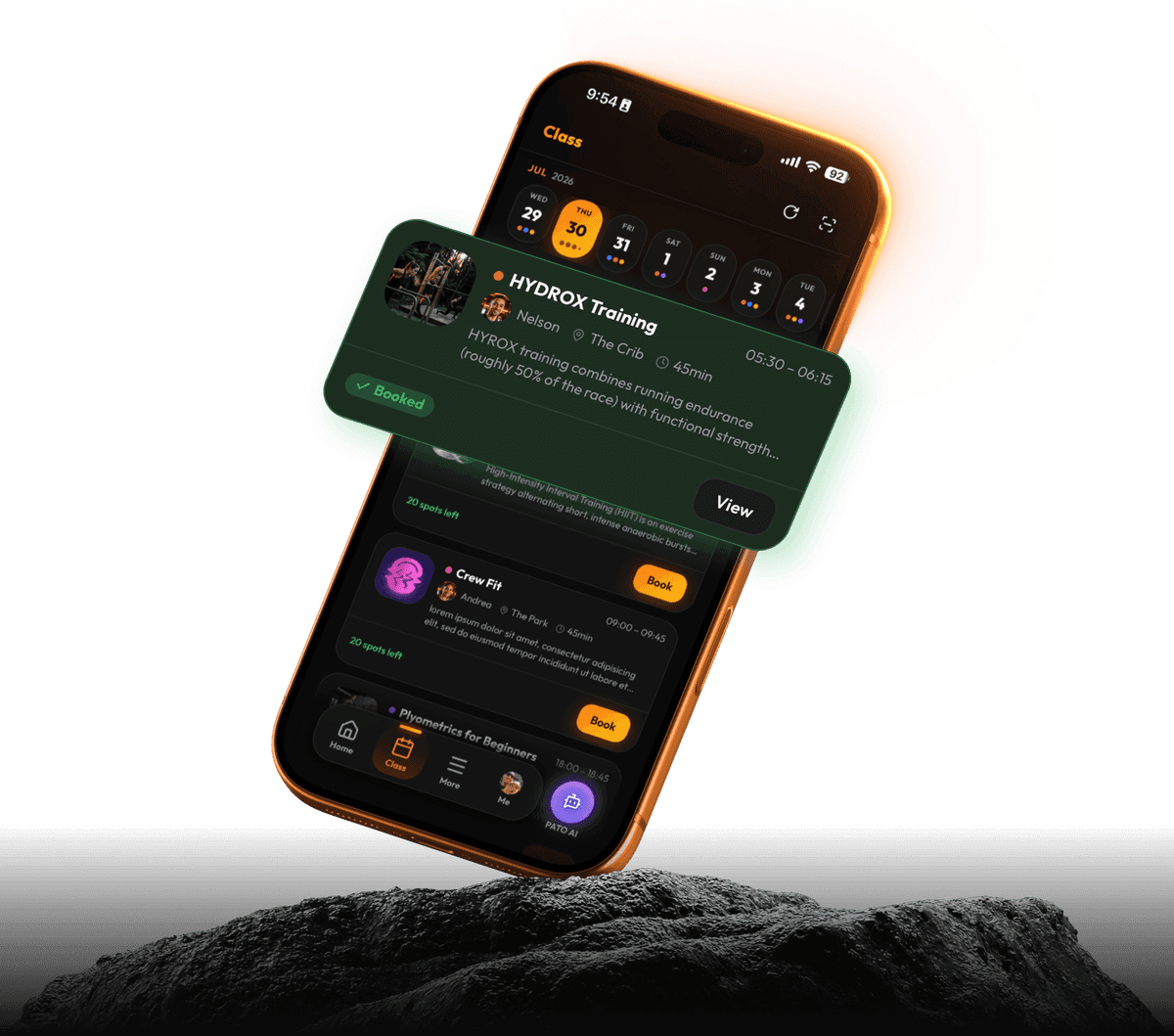
Never let a member hit a dead end
A full class, a closed portal, a session they can’t find. Every one of those is a spot you lose to friction rather than to demand.
Waitlists that fill themselves
When a class is full, members join the list instead of turning away, and get booked in automatically when someone drops. A cancellation becomes an attendance without anyone noticing it happened.
Paid drop-ins
Price any session and let casuals pay to book. Trial classes, workshops, and anyone not on a membership.
Free trial and guest spots
Allocate spots in any class for non-members — free trials or one-off guests. They book from the same page your members use; you set how many visitor spots each session can hold.
A booking page on your own website
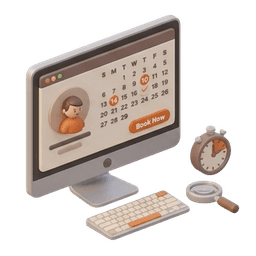
Your live schedule embedded on your own site, in your own branding. Week and month views, capacity, instructor, location and price. No third-party portal that looks nothing like your gym.
And the rest of the timetable
Attendance and no-show marking, 1:1 and PT scheduling with per-trainer availability hours so clients book their own slot, per-session capacity, and direct links to a single session.
Self check-in, and the door scanner counts it
Members check themselves into a booked class from the app. If you run Gym Access, their scan at the front door marks their class attendance at the same time — one action, one record, nothing to do at the desk.


Bookings wherever your
members already are
Set it up once.
It runs itself.

Questions gym owners ask
Yes — in the member app, or through your website's booking page.
The window and policy are set for your gym. If you need per-class rules, tell us — it’s a common request.
It's an embed, so anywhere you can paste a snippet.
Yes — PT scheduling sits inside Classes.
Build next week’s timetable before lunch
14 days, everything switched on. No card, no contract. Classes is a $49/month add-on on any plan — add it when you need it, drop it if you stop running them.
- 14 days, everything on
- No card required
- Cancel any time
 PATO
PATOPass